 By usasmooths
Charging your devices quickly is a convenience we often take for granted, until suddenly it slows to a crawl. Slow charging can be frustrating, especially when you rely on your phone, tablet, or laptop throughout the day. This issue can result from a range of factors, including hardware limitations, software processes, and external power sources. Understanding these causes helps you troubleshoot efficiently and restore normal charging speeds. In this article, we will explore practical steps to identify and fix slow charging issues in everyday life.
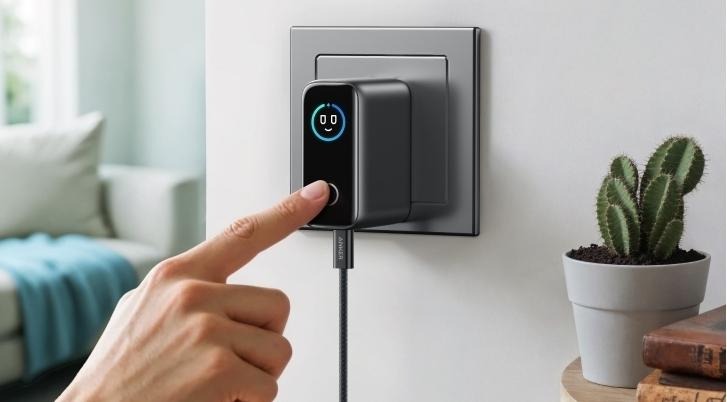
One of the most common reasons for slow charging is the cable itself. Cables can degrade over time, develop internal breaks, or suffer from low-quality construction, all of which reduce the power reaching your device. Longer cables often experience higher resistance, which slows charging speed. Additionally, using a cable that isn’t certified for your device or fast charging standard can lead to reduced efficiency. Regularly inspecting and testing your cables ensures that they are functioning optimally and providing consistent power.
Even if your cable is in perfect condition, a weak or incompatible power adapter can drastically slow down charging. Some adapters provide minimal amperage or wattage, which may not meet the requirements of modern devices. Devices with high-capacity batteries, such as tablets or laptops, often need higher-power adapters to charge at full speed. A proper adapter should match the device’s voltage and support fast charging protocols if applicable. For example, using an Anker usb fast charger guarantees that your devices receive the right power safely, making it a reliable solution for restoring full charging speed. Investing in a certified, high-quality adapter avoids unnecessary delays and ensures optimal performance.
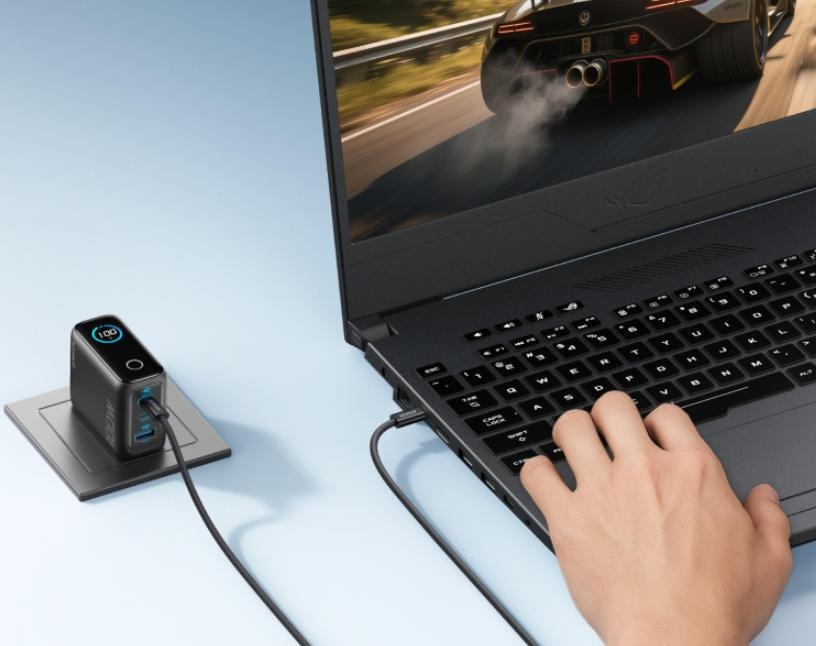
Battery temperature has a significant effect on charging speed. When batteries become too hot, charging circuits automatically reduce the current to prevent overheating and damage. This can happen if the device is left in direct sunlight or on a warm surface while charging. Using devices in high-performance modes or while gaming can also increase battery temperature. Monitoring and controlling device heat helps maintain consistent charging rates and prolongs battery lifespan.
Running intensive apps or multitasking heavily while charging can slow the process. Apps that use a lot of processing power or graphics capability draw energy while the device is trying to charge. This effectively reduces the net charging speed because part of the incoming power is immediately consumed. Background applications, particularly those constantly syncing data, contribute further to this problem. Closing or limiting high-demand apps during charging sessions ensures faster, more efficient power transfer.
The source of electricity you plug your device into can also affect charging speed. Standard wall outlets provide more consistent power than USB ports on laptops or public charging stations, which often offer limited current. Using extension cords or power strips with multiple devices connected can reduce the available power for each device. Even fluctuations in household voltage can impact how quickly a device charges. Ensuring a stable, high-quality power source is a simple but crucial step to restoring normal charging speeds.
Operating system tasks and background processes can interfere with charging efficiency. Automatic updates, cloud backups, or sync processes draw power continuously and can slow down the charging rate. Certain battery optimization settings may also limit charging speed intentionally to preserve battery health. Monitoring software activity and adjusting settings where possible can mitigate these slowdowns. Regularly updating your device ensures that bugs or inefficiencies affecting charging are addressed.
Physical issues with the charging port can prevent proper electrical contact, causing slower charging or intermittent connection. Dust, lint, or debris can accumulate over time, reducing power flow. Bent or worn connectors may also fail to transmit full current. Cleaning the port carefully with compressed air or a soft brush often restores functionality. For damaged ports, professional repair may be necessary to regain full charging efficiency.
Batteries naturally lose capacity as they age, which can slow charging over time. Older batteries may take longer to reach a full charge and discharge more quickly under load. Heat sensitivity also increases, causing protective circuits to throttle charging more frequently. Monitoring battery health and considering a replacement when performance drops significantly can restore fast charging. Maintaining good charging habits prolongs battery lifespan and prevents premature degradation.
Slow charging can stem from cables, adapters, software, device condition, or power sources. By inspecting your equipment, controlling device temperature, managing apps, and using reliable, high-quality chargers such as an Anker USB fast charger, you can regain fast, efficient charging. Understanding the factors behind slow charging allows you to troubleshoot effectively and ensure your devices are ready when you need them. With these practical steps, slow charging becomes a problem you can solve confidently.